
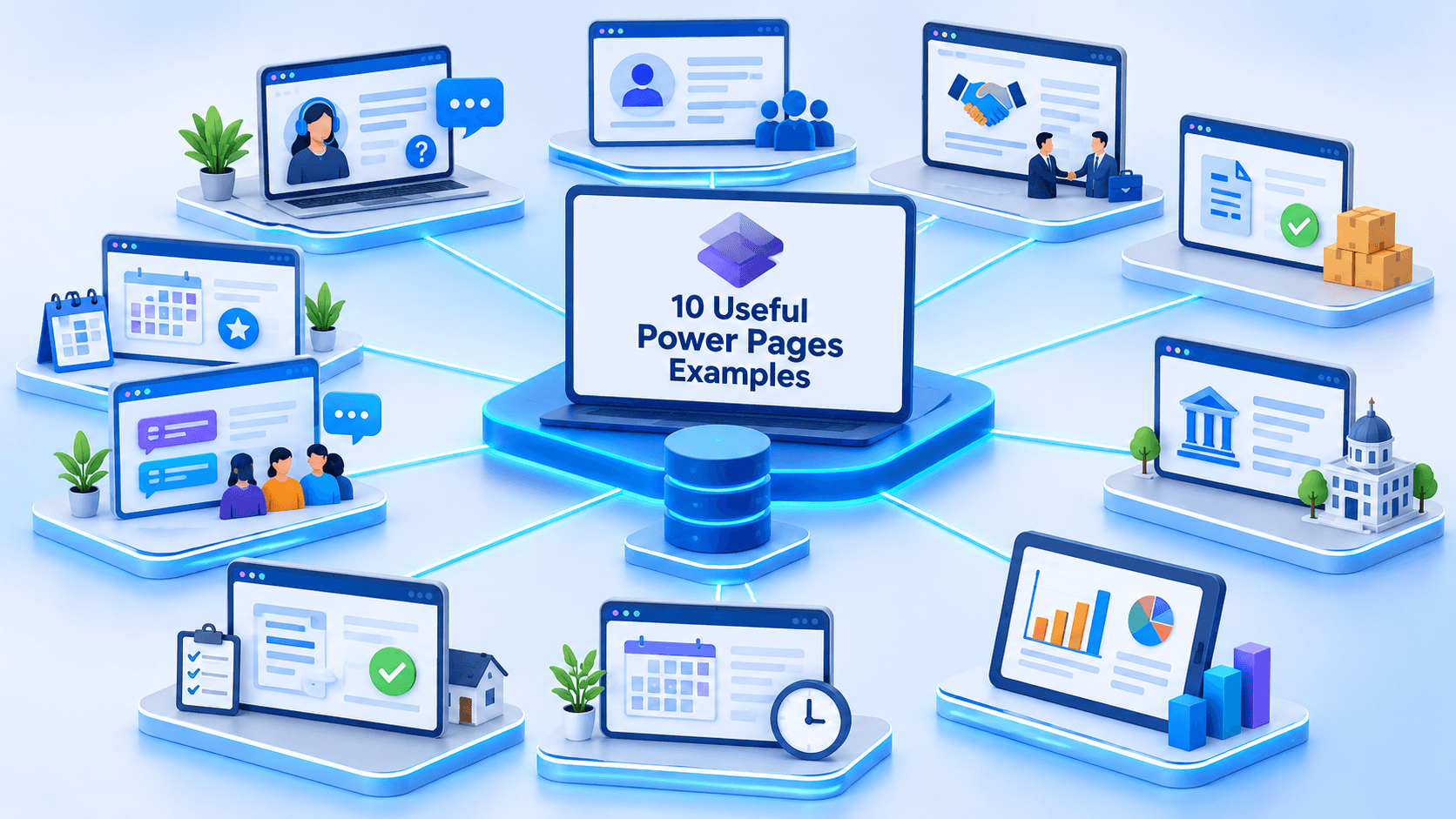
10 Useful Power Pages Examples: Real-World Business Solutions You Can Build with Microsoft Power Platform
Introduction
In today’s digital business environment, customers, employees, suppliers, and business partners expect convenient online experiences. They want to access information, submit requests, track progress, manage accounts, and interact with organizations without depending entirely on emails or phone calls.
Traditionally, organizations developed custom web applications to provide these experiences. However, building and maintaining such applications can require significant development effort, infrastructure, and ongoing maintenance.
This is where Microsoft Power Pages comes into the picture.
Microsoft Power Pages is a low-code development platform within Microsoft Power Platform that allows organizations to build secure, data-driven, external-facing business websites. These websites can connect with Microsoft Dataverse, Dynamics 365, Power Automate, and other business systems.
Power Pages is particularly useful when an organization wants to provide external users with controlled access to business information and processes.
But what can you actually build with it?
In this article, we will explore 10 useful Microsoft Power Pages examples that demonstrate how organizations can use the platform to solve real-world business challenges.
Whether you are a Power Platform developer, Dynamics 365 consultant, business analyst, or someone exploring low-code development, these examples will help you understand the practical possibilities of Power Pages.
What Is Microsoft Power Pages?

Microsoft Power Pages is a low-code website development platform that enables users to create business websites and portals connected to organizational data.
Unlike a traditional public website that primarily displays static information, a Power Pages website can provide interactive functionality.
For example, authenticated users can:
- Register and manage their accounts.
- Submit information through online forms.
- View their records and application statuses.
- Create and track support requests.
- Access documents and business information.
- Interact with business processes.
Power Pages uses Microsoft Dataverse as a primary data platform for storing and managing website information.
It also supports authentication, web roles, table permissions, website configuration, and customization using HTML, CSS, JavaScript, Liquid, and other supported development capabilities.
The platform can be particularly valuable for organizations already using Microsoft Dynamics 365 and Power Platform.
Now, let’s explore some practical examples.
1. Customer Self-Service Portal
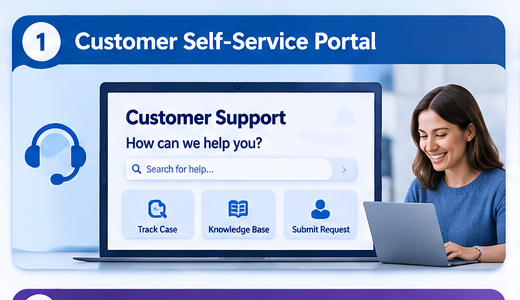
A customer self-service portal is one of the most common and valuable Power Pages use cases.
Organizations often receive large volumes of customer inquiries regarding products, services, orders, warranties, and support requests.
Managing every interaction through email or telephone can increase operational costs and create unnecessary delays.
A customer self-service portal provides customers with a centralized online location where they can manage their interactions with an organization.
What can customers do?
A customer self-service portal can allow users to:
- Register and manage their profiles.
- Submit support requests.
- View existing support cases.
- Track the progress of their requests.
- Search knowledge base articles.
- Submit feedback.
- Access relevant documents.
Microsoft technologies involved
- Power Pages for the customer-facing website.
- Microsoft Dataverse for customer and case information.
- Dynamics 365 Customer Service for case management.
- Power Automate for automated notifications and workflows.
Real-world scenario
Imagine an organization providing technical support for electronic products.
Instead of contacting the support team every time a customer experiences an issue, customers can log in to the portal, submit a support request, upload relevant information, and monitor the progress of their cases.
Support agents can manage those cases through Dynamics 365 Customer Service.
This creates a connected customer experience while reducing repetitive manual communication.
2. Employee Self-Service Portal
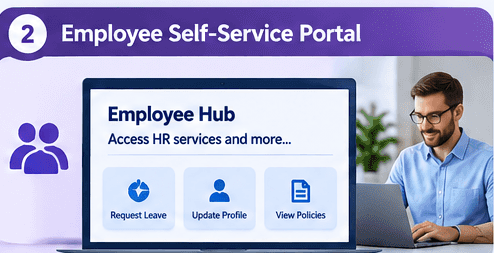
An employee self-service portal allows employees to access organizational information and complete common administrative tasks through a centralized website.
Many organizations still depend on emails and manual forms for routine HR activities.
An employee portal can simplify these processes by providing a digital interface for employees and HR teams.
What can employees do?
- View company announcements.
- Submit leave requests.
- Update personal information.
- Access HR policies and documents.
- Submit internal service requests.
- Track request statuses.
- Access training and development resources.
Microsoft technologies involved
- Power Pages for the employee-facing interface.
- Dataverse for employee-related information.
- Power Automate for approval workflows.
- Microsoft Entra ID for organizational identity and authentication, where configured.
Real-world scenario
Consider an organization with hundreds of employees.
An employee wants to request annual leave.
Instead of downloading a form, completing it, and emailing HR, the employee logs in to the portal and submits a leave request.
Power Automate can route the request to the appropriate manager for approval. The employee can then check the request status through the portal.
This can reduce administrative overhead and improve process visibility.
Important: An employee-facing Power Pages solution should have carefully designed authentication, authorization, and data permissions to ensure employees can only access information they are entitled to see.
3. Partner Management Portal
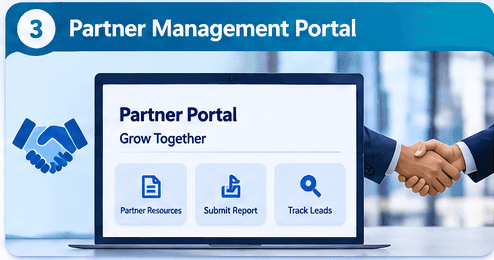
Organizations frequently work with distributors, resellers, contractors, and other business partners.
Managing communication and business information across these relationships can become complicated, particularly when partners operate in different regions.
A partner management portal provides a centralized platform where external partners can access relevant business information and interact with the organization.
What can partners do?
- Register as business partners.
- Submit partnership applications.
- Update company information.
- Access product documentation.
- View assigned leads or opportunities.
- Submit sales reports.
- Access marketing materials.
- Track partnership-related requests.
Microsoft technologies involved
- Power Pages for the partner portal.
- Dataverse for partner and business records.
- Dynamics 365 Sales for customer and opportunity information.
- Power Automate for approvals and notifications.
Real-world scenario
Imagine a company that distributes products through multiple regional partners.
Each partner needs access to assigned customers, sales information, product documentation, and relevant business resources.
The company can create a Power Pages portal where authenticated partners access only the records associated with their organization.
This provides a more organized partner experience and helps reduce manual communication.
4. Supplier and Vendor Management Portal
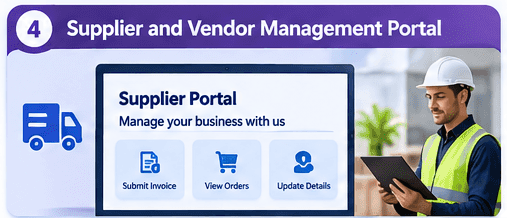
Supplier management is another valuable use case for Microsoft Power Pages.
Organizations often work with multiple suppliers and vendors to manage purchasing, invoices, delivery schedules, and business documentation.
A supplier portal can provide a centralized environment for these interactions.
What can suppliers do?
- Register their companies.
- Submit supplier onboarding applications.
- Upload compliance documents.
- Update business information.
- View purchase orders.
- Submit invoices.
- Track invoice statuses.
- Raise supplier-related inquiries.
Microsoft technologies involved
- Power Pages for the supplier-facing website.
- Dataverse for supplier information and related records.
- Dynamics 365 Finance or an ERP system for purchasing and financial processes.
- Power Automate for document approvals and notifications.
Real-world scenario
Consider a manufacturing company working with 100 different suppliers.
The procurement department receives supplier documents and invoices through emails.
This creates challenges when documents are missing or invoice statuses need to be communicated.
With a supplier management portal, suppliers can submit invoices and supporting documents directly through the website.
Internal teams can review and process the information through connected business applications.
A supplier can also log in to check whether an invoice is submitted, under review, approved, or rejected.
This can improve transparency and reduce repetitive communication between procurement teams and suppliers.
5. Event Registration Portal
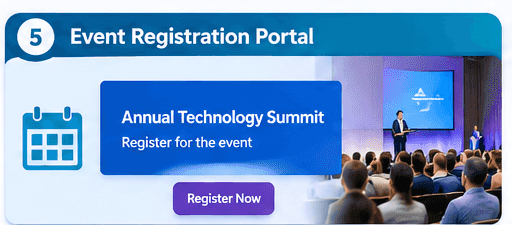
Power Pages can also be used to build event registration websites.
Organizations frequently arrange conferences, workshops, seminars, training sessions, and other events.
An event registration portal provides a centralized location where visitors can explore events and register online.
What can visitors do?
- Browse upcoming events.
- View event descriptions.
- Check dates and locations.
- Register for events.
- Submit attendee information.
- Receive registration confirmations.
- Review registration details.
Microsoft technologies involved
- Power Pages for the event website.
- Dataverse for event and registration records.
- Power Automate for confirmation emails and notifications.
- Power BI for registration and attendance reporting.
Real-world scenario
Imagine a company organizing a technology conference with multiple sessions.
Visitors access the event portal, explore available sessions, and complete an online registration form.
Their information is stored in Dataverse, and an automated confirmation email can be sent through Power Automate.
The event management team can use the collected information to monitor registrations and prepare attendance reports.
Power Pages also has an Event Portal template available as a starting point for this type of solution.
6. Online Community Portal
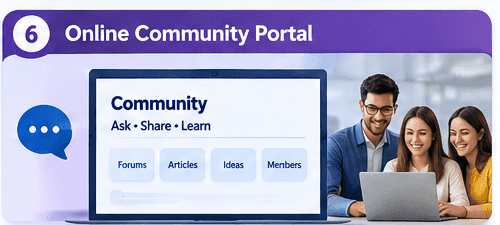
A community portal allows customers, professionals, and other users to interact with one another through a shared online platform.
It can be particularly useful for organizations that want to build stronger relationships with their customers and encourage knowledge sharing.
What can community members do?
- Register and create profiles.
- Participate in discussion forums.
- Ask questions.
- Share ideas and suggestions.
- Comment on articles.
- Rate content.
- Browse knowledge base resources.
Microsoft technologies involved
- Power Pages for the community website.
- Dataverse for community-related records.
- Power Automate for moderation notifications and workflows.
- Dynamics 365 Customer Service for related support processes, where required.
Real-world scenario
Imagine a software company with thousands of customers.
Customers frequently ask similar questions about product configuration, troubleshooting, and best practices.
The company can create a community portal where users share experiences, ask questions, and access helpful articles.
Over time, the community can become a valuable knowledge-sharing environment.
Instead of relying entirely on the support department, customers can also learn from solutions shared by other users.
Microsoft provides a Community site template designed to support features such as forums, blogs, ideas, comments, and ratings.
7. Government and Citizen Services Portal
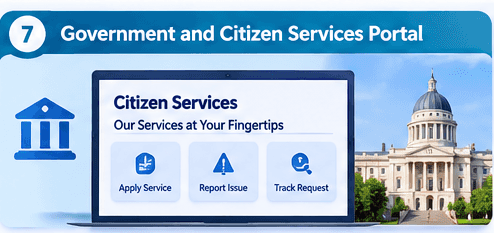
Government departments and public sector organizations can use Power Pages to provide digital services to citizens.
Many public services traditionally require citizens to visit government offices, complete paper forms, or contact different departments.
An online citizen services portal can make these processes more accessible.
What can citizens do?
- Submit service requests.
- Report local issues.
- Apply for public services.
- Track application progress.
- Request permits.
- Access public information.
- Submit feedback and complaints.
Microsoft technologies involved
- Power Pages for the public-facing portal.
- Dataverse for service requests and applications.
- Power Automate for routing and approval workflows.
- Power BI for service performance reporting.
- Mapping integrations for location-based requests, where needed.
Real-world scenario
Imagine a local government department that receives complaints about damaged roads, street lighting, waste collection, and other municipal services.
Citizens can use a Power Pages website to report issues and provide relevant details.
The requests can be stored in Dataverse and assigned to the appropriate department through automated workflows.
Citizens can then monitor the progress of their submitted requests.
Microsoft has published examples of public sector organizations using Power Pages. King County, for example, has developed numerous low-code solutions to help deliver public services.
8. Online Application and Permit Processing Portal
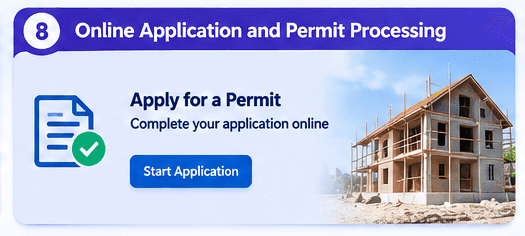
Organizations across different industries need to collect applications, review submitted information, and manage approval processes.
These processes often involve multiple departments and several approval stages.
Power Pages can provide an online interface for applicants while internal teams manage the applications through connected Microsoft business applications.
What can applicants do?
- Create an account.
- Complete application forms.
- Upload supporting documents.
- Submit applications.
- Track application statuses.
- Respond to requests for additional information.
- Download relevant documents.
Microsoft technologies involved
- Power Pages for the application website.
- Dataverse for application records.
- Power Automate for approval workflows.
- Power Apps for internal application management.
- Power BI for application processing reports.
Real-world scenario
Consider a construction company or local authority managing building permit applications.
Applicants need to submit property information, project details, and supporting documentation.
An online portal can allow applicants to complete the process digitally.
Once submitted, the application can move through different review stages.
For example:
- Application submitted.
- Initial document review.
- Technical assessment.
- Approval or rejection.
- Final notification.
Power Pages provides the external application experience, while Power Automate and internal applications can support the associated business processes.
9. Appointment Booking and Scheduling Portal
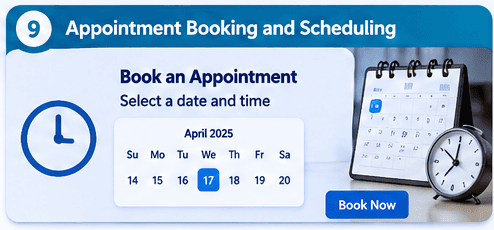
Appointment booking is another practical example of Power Pages.
Many businesses need customers to schedule appointments with staff members, consultants, service providers, or other professionals.
Managing appointments through telephone calls and emails can become inefficient when the organization handles a large number of bookings.
An appointment portal can allow users to view available options and submit booking requests online.
What can users do?
- Browse available services.
- Select appointment dates.
- Choose available time slots.
- Submit booking information.
- Receive confirmation notifications.
- View or manage existing bookings.
- Request appointment changes or cancellations.
Microsoft technologies involved
- Power Pages for the booking website.
- Dataverse for appointment records.
- Power Automate for notifications and booking workflows.
- Microsoft 365 or external scheduling integrations, where appropriate.
Real-world scenario
Imagine a consulting company offering appointments with different consultants.
Customers visit the portal, select a service, choose an available appointment slot, and submit their details.
The booking information is stored in Dataverse.
Power Automate can notify the assigned consultant and send a confirmation to the customer.
For more advanced scheduling scenarios, the solution can integrate with existing calendar or booking systems.
Power Pages also provides a Schedule and Manage Meetings template that can serve as a starting point for this type of website.
10. Power BI Reporting and Analytics Portal
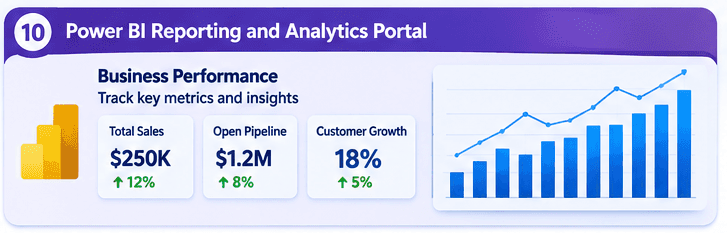
Power Pages is not limited to collecting information and submitting forms.
It can also provide a controlled way to share business information and analytics with external users.
For example, organizations may want customers, distributors, suppliers, or business partners to access relevant reporting information through a dedicated website.
What can users do?
- View relevant business dashboards.
- Monitor performance indicators.
- Access sales reports.
- Review order-related information.
- Track service performance.
- Explore relevant business metrics.
Microsoft technologies involved
- Power Pages for the portal.
- Power BI for analytics and reporting.
- Dataverse for relevant business information.
- Dynamics 365 for operational data.
- Microsoft Fabric for broader data integration and analytics, where required.
Real-world scenario
Imagine a manufacturing company that works with multiple distributors.
Management wants each distributor to view sales performance, order trends, and relevant business metrics.
The organization can create a Power Pages portal and provide access to appropriate Power BI reports using supported embedding and authentication configurations.
Each distributor should only see the information they are authorized to access.
Power BI row-level security and the appropriate embedding and authentication approach should be carefully configured to protect business data.
This approach can create a more transparent reporting experience for external business partners.
Why Choose Microsoft Power Pages for These Solutions?
After exploring these examples, it is worth understanding why organizations consider Power Pages for business portal development.
1. Low-Code Development
Power Pages provides visual design and configuration capabilities that allow developers and business teams to build websites without writing every component from scratch.
Custom code can still be introduced when more advanced functionality is required.
2. Microsoft Dataverse Integration
One of the biggest advantages is its integration with Dataverse.
Organizations can create tables, relationships, forms, and business processes using a common data platform.
3. Dynamics 365 Integration
For organizations already using Dynamics 365, Power Pages can provide external-facing experiences connected to their existing business processes.
For example, customers can submit support requests through a portal while support agents manage them in Dynamics 365 Customer Service.
4. Authentication and Security
Power Pages supports authentication providers, web roles, table permissions, and other security capabilities.
These features help organizations control which users can access specific pages and business records.
However, proper security configuration is essential. Authentication alone does not guarantee that users can only access their own records.
5. Power Automate Integration
Power Automate can connect portal activities with business workflows.
Examples include:
- Sending registration confirmations.
- Processing application approvals.
- Notifying employees.
- Sending supplier updates.
- Escalating customer support requests.
6. Customization and Extensibility
Developers can customize Power Pages using HTML, CSS, JavaScript, Liquid, and other supported development tools.
This makes it possible to build more tailored experiences while retaining the advantages of the Microsoft ecosystem.
Important Considerations Before Building a Power Pages Website
Although Power Pages simplifies portal development, a successful implementation still requires proper planning.
Before starting a project, consider the following areas:
Business requirements: Clearly identify who will use the portal and what problems it needs to solve.
Data model: Design Dataverse tables and relationships according to the business requirements.
Security: Configure authentication, web roles, table permissions, and record-level access carefully.
User experience: Create a responsive and accessible website that works across desktop, tablet, and mobile devices.
Integration: Identify whether the solution needs to connect with Dynamics 365, Power Automate, Power BI, ERP systems, or external APIs.
Licensing: Review Power Pages licensing and capacity requirements based on the expected number of authenticated and anonymous users.
Maintenance: Plan for monitoring, security updates, performance, deployment, and ongoing support.
A well-designed portal should not only work technically but should also provide a secure and convenient experience for its intended users.
Conclusion
Microsoft Power Pages provides organizations with an effective way to build external-facing business websites connected to their Microsoft business applications and data.
From customer self-service and employee portals to supplier management, government services, and reporting solutions, the platform supports a wide range of practical business scenarios.
The examples discussed in this article demonstrate that Power Pages is more than a traditional website builder. It can become an important part of an organization’s digital transformation strategy.
For businesses already using Microsoft Dynamics 365, Dataverse, Power Automate, and Power BI, Power Pages offers an opportunity to extend internal business processes to customers, suppliers, partners, and other external users.
The real value of Power Pages is not simply creating a website. It is creating a connected digital experience that makes business processes more accessible, efficient, and manageable.
If you are a Power Platform developer or Dynamics 365 consultant, exploring these use cases can help you identify new opportunities to build practical business solutions.
References and Further Learning
For more information and practical implementation guidance, explore the following official Microsoft resources:
- Microsoft Power Pages – Official Product Website
- Microsoft Learn – Power Pages Documentation
- Microsoft Learn – Power Pages Templates
- Microsoft Power Pages Samples – GitHub
- Microsoft Customer Story – Fortune Brands Innovations
- Microsoft Customer Story – Kelly Uses Power Pages
- Microsoft Customer Story – King County